
Video, Wind Meters
How to Charge Your Ultrasonic Portable Mini
02
Jan
Jan
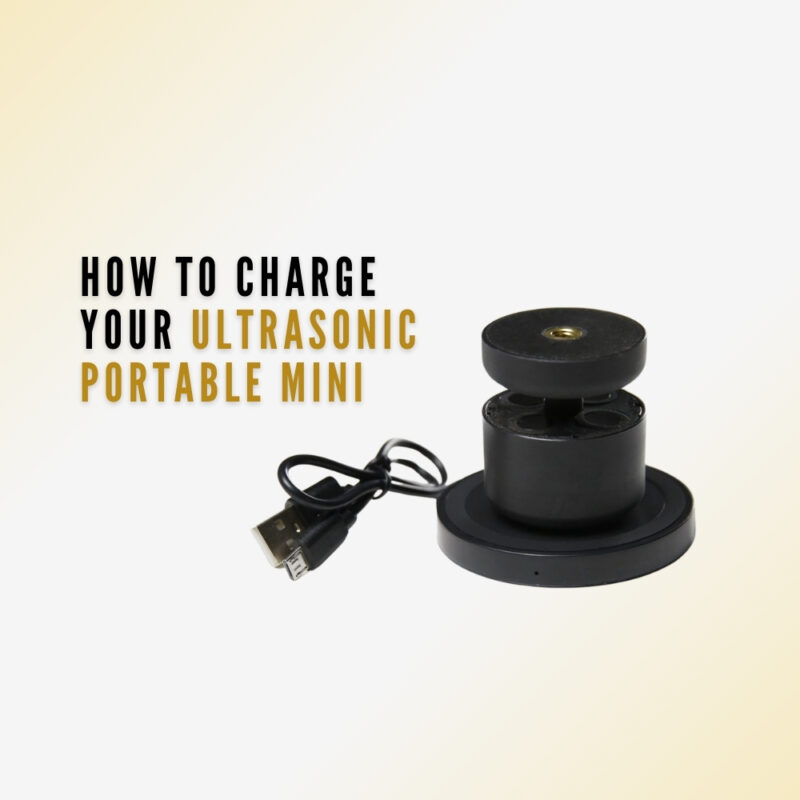
How to Charge Your Ultrasonic Portable Mini
Simple, Wireless Charging for Seamless Performance
The Ultrasonic Portable Mini has been designed for convenience and reliability. Thanks to its Bluetooth connectivity and Qi wireless charging compatibility, recharging your device is quick, cable-free, and hassle-free – so you can stay focused on the conditions around you, not battery levels.
Two Easy Charging Options
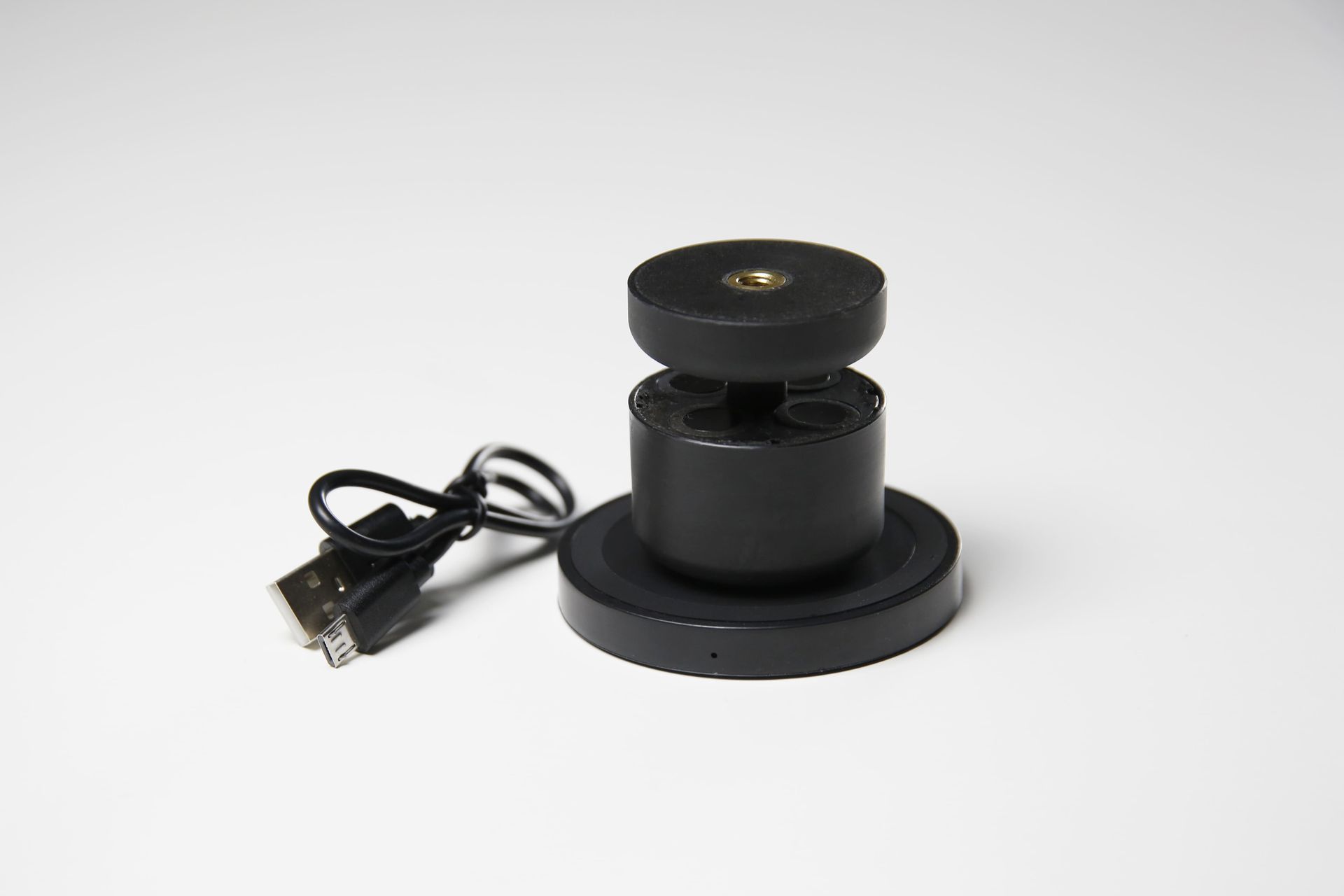
You can recharge your Ultrasonic Portable Mini in one of two ways:
- Using a Qi wireless charging pad
- Connecting the charger to power via USB
Both options ensure safe, efficient charging wherever you are.
Watch the Instructional Video
For a visual walkthrough, watch our step-by-step charging guide below.
🎥 Instructional Video: ⤵️
Step-by-Step: How to Charge Your Ultrasonic Portable Mini
Follow these simple steps to recharge your device correctly:
- Open the Anemotracker App to view your device’s current battery level on the main screen.
- Ensure the charger is powered on – a small red indicator light will confirm this.
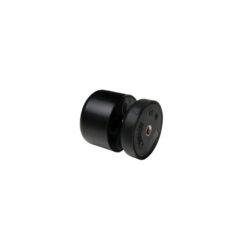
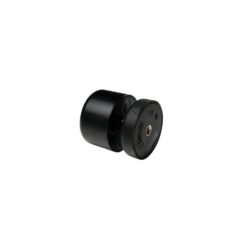
- Place your Ultrasonic Portable Mini upside down on the Qi wireless charger.
- A blue indicator light on the charger confirms the device is charging.
- Allow the device to charge for approximately 3 hours.
- Reopen the Anemotracker App to check that the battery is fully charged.
*Download the Anemotracker App from the Apple App Store or Google Play.
Best Practice for Optimal Performance
To maintain accurate readings and consistent performance, we recommend checking the battery level regularly via the Anemotracker App and recharging the device before extended use.
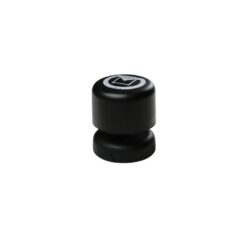
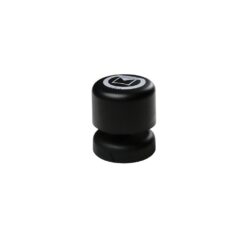
👉 Check out all three versions of the Ultrasonic Portable Mini today, and feel free to contact us to discuss which model is best for your needs. 👇
$800.00
$690.00
$800.00
